Change Password
Agents can change their password through the Agent Portal.
What do you want to do?
Tasks in this Topic Include:
Related Tasks:
- My Schedule
- My Schedule Adherence
- My Schedule Changes
- Schedules for Bidding
- My Bids
- Schedule Swap Requests
- My Alerts
Change a Password
To change your password:
- Select Anywhere
> Change Password in the left-navigation menu.
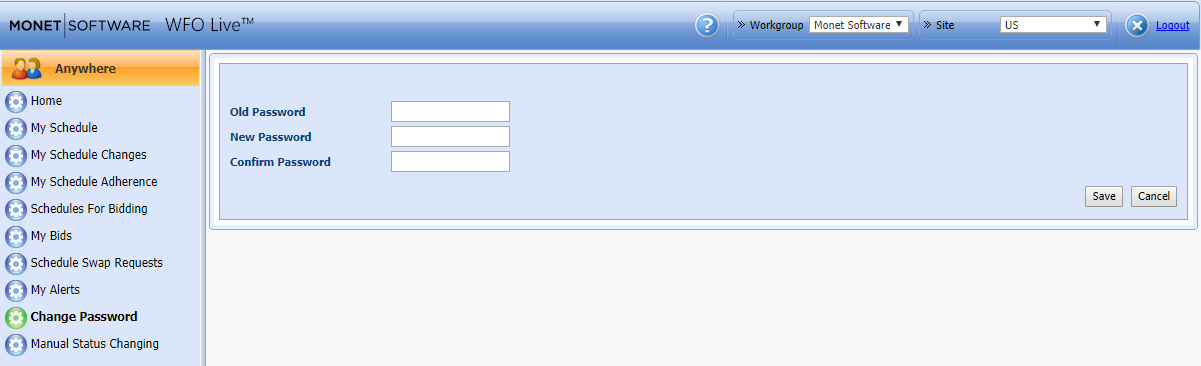
- Enter your Old Password.
- Enter a New Password.
- Re-enter the password to Confirm Password.
- Click Save.